Five AI assistants, one system for your store
Camera, point of sale, operations and marketing stop being four separate tools. TekShot OS watches what happens in the store, works out what it means, acts on it and gets better at it every day.
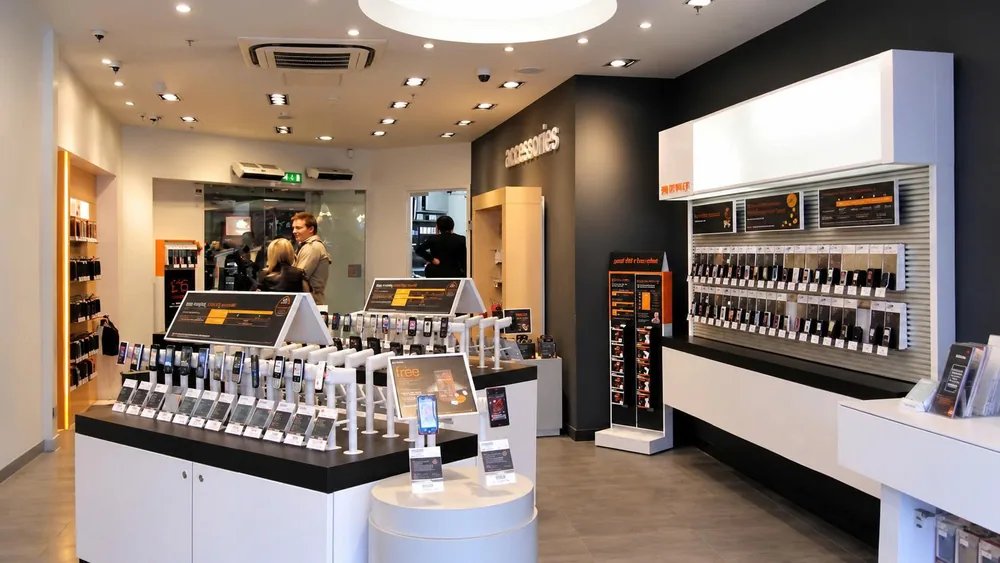
The problems you run into every day
Stock that does not add up, best sellers out of stock
Manual stock counts and gut-feel reordering cost you sales.
No idea who walks in and leaves without buying
Without footfall numbers, displays and staffing are hard to judge.
Losses at the till and in the stock room
Voided receipts and unusual returns are hard to catch in time.
Data scattered across channels
The store, the website and the marketplaces each show different numbers.
5 AI assistants, one unified platform
Each assistant handles one group of work, and they all share data on TekShot OS.
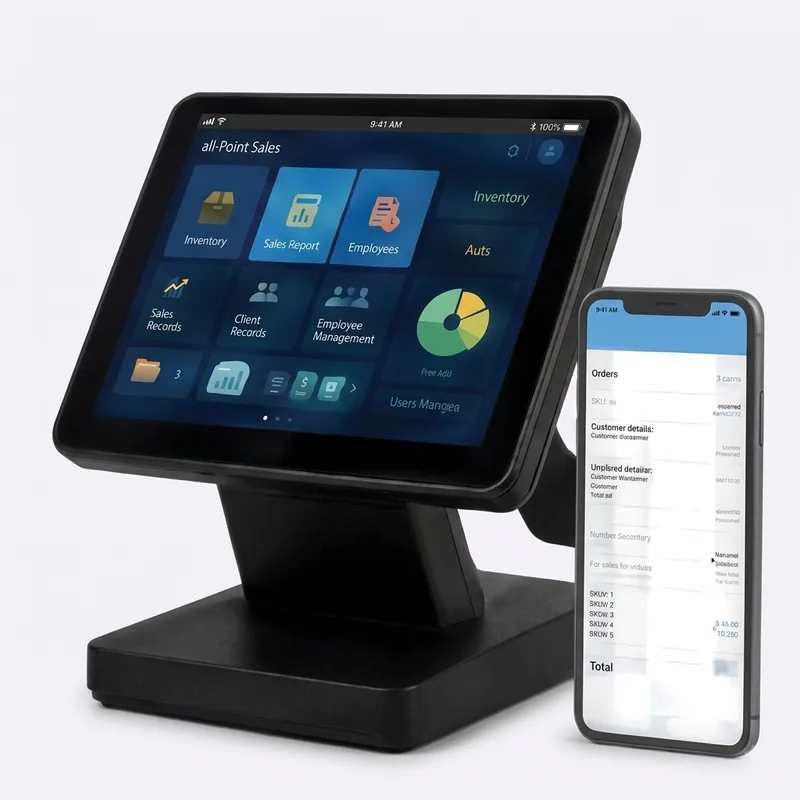
POS – Sales
- Fast checkout, barcode scanning and loyalty points
- Stock synced between stores and online channels
- Low-stock alerts with suggested reorder quantities
Vision – AI camera
- Visitor counting and shelf heat maps
- Till footage matched against voided receipts
- Alerts for stock-room access out of hours
Studio – Content
- Promotion banners and product photos
- Posting schedules that follow your sales calendar
- Messages that look after loyal customers
Insight – Analytics
- Area and competitor analysis around each store
- Best sellers by store and by time of day
- Suggested locations for the next store
Central – Operations
- Store-by-store performance comparison
- Stock-count and display tasks with photo proof
- Automatic reports for the chain owner
Expected results
Fits many business models
Convenience stores
Mini supermarkets
Fashion
Cosmetics
Electronics
Franchise chains
Deployment process
The TekShot AI team stays with you from the first survey until your team runs it with confidence.
1Store survey
Floor plan, processes, equipment
2Load products & stock
Catalogue, barcodes, opening stock
3Connect cameras
Visitor counting, till and stock-room monitoring
4Sync & report
Every store, every channel, every day
Why store owners choose TekShot OS
Why customers choose us
- One system instead of five disconnected apps
- Set up in a day, not a quarter
- Priced for a single store, ready for a chain
- Works with the cameras and hardware you own
- Support 24/7 in Vietnamese

Ten branches and more moved onto TekShot OS, with over 20,000 orders a month running through one system.
Frequently asked questions
Need advice for your business model?
TekShot AI specialists survey your site for free and recommend the right plan.
Request a consultationPut the five AI assistants to work in your store
A 7-day free trial, no credit card, with setup help from the TekShot team.